Lapels
The preset Lapels installs as.
Ivory paper, Fraunces set large over Alegreya, and every corner cut square. Drawn for cloth photographed in daylight. The palette stays out of the way and lets the photography carry the store.
Color
The Lapels palette.
Five grounds, warm the whole way through. Three papers for daylight, and two browns for the sections that need weight. Moss green carries the links. On the dark schemes bronze takes over, because moss would disappear there. A sixth scheme, Editorial, reuses the lightest paper and moves the headings and buttons to moss, for bands that want to be quieter still.
- Paper #F5F0E6
- Ecru #EDE5D4
- Mat #E7DEC9
- Dusk #403528
- Night #251D13
Type & shape
Fraunces on Alegreya.
Fraunces for headings, at its regular weight, so size does the work rather than ink. Alegreya sits underneath. It is a book face with real italics, sized for paragraphs a shopper will actually read.
Headings
Fraunces
ABCDEFGHIJKLM abcdefghijklm 0123456789
Body
Alegreya
Every price, size chart, care note and shipping line on the storefront is set in this face. It is the one a shopper reads the longest, so it is chosen for a paragraph rather than for a headline.
Shape
Square corners, portrait product images
Corners square, or close to it. Media and inputs sit at zero, cards at two pixels. Product images crop to portrait, which is the shape a garment on a body asks for.
The live store
Lapels, on a real storefront.
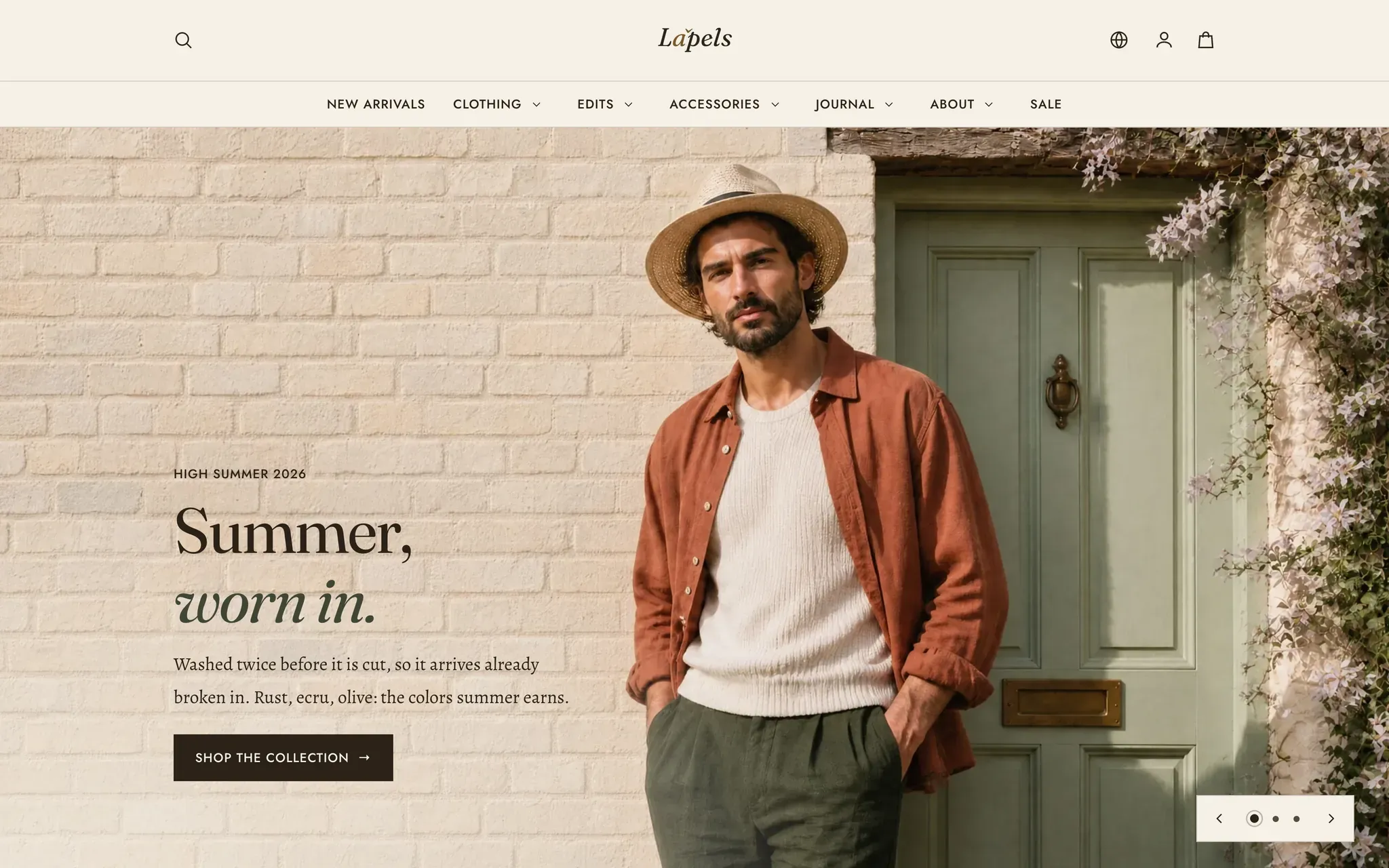
Six screens from the live storefront wearing this preset. Every shot on this page is that store, not a mockup.
-
Home -
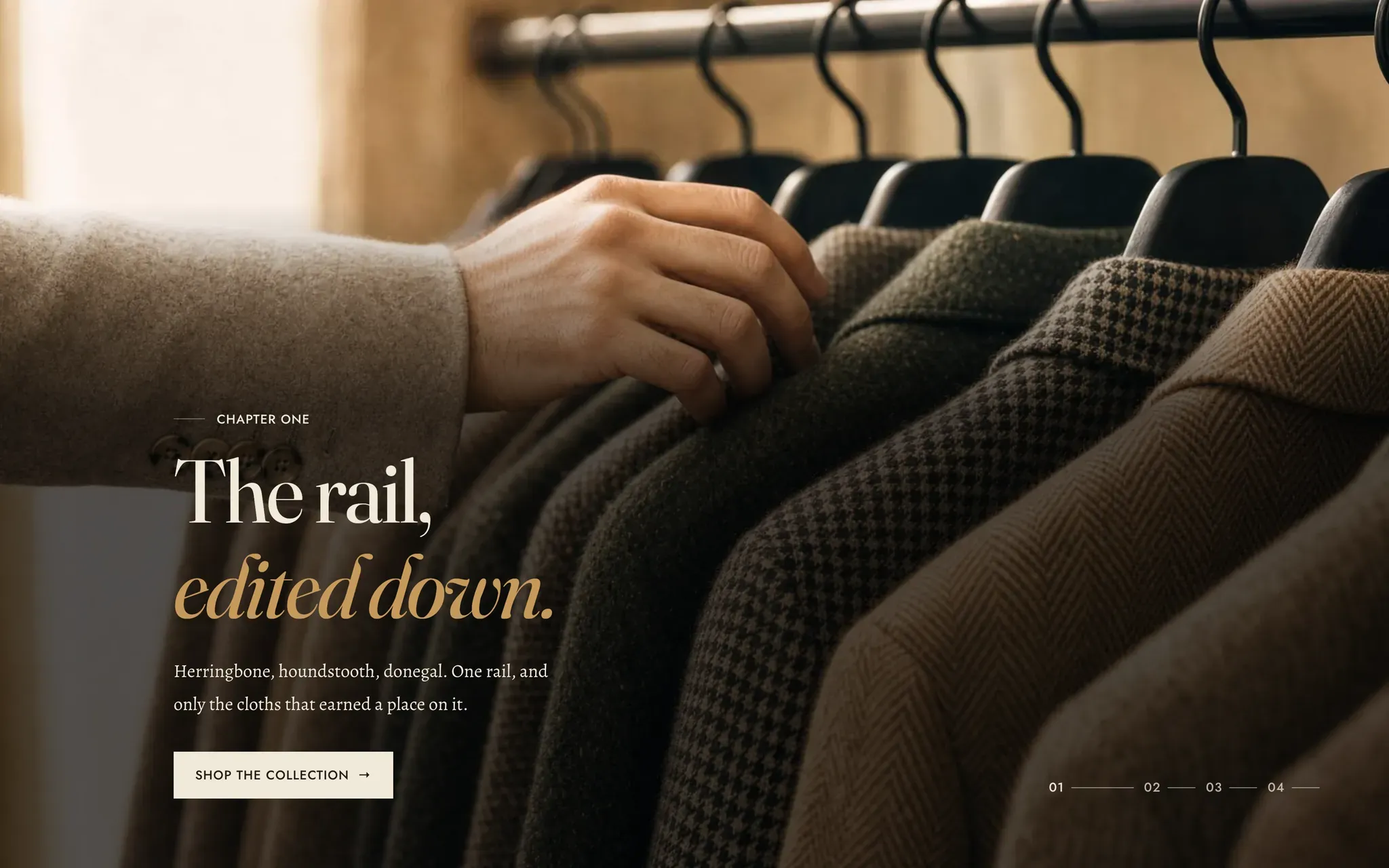
A dark scheme -
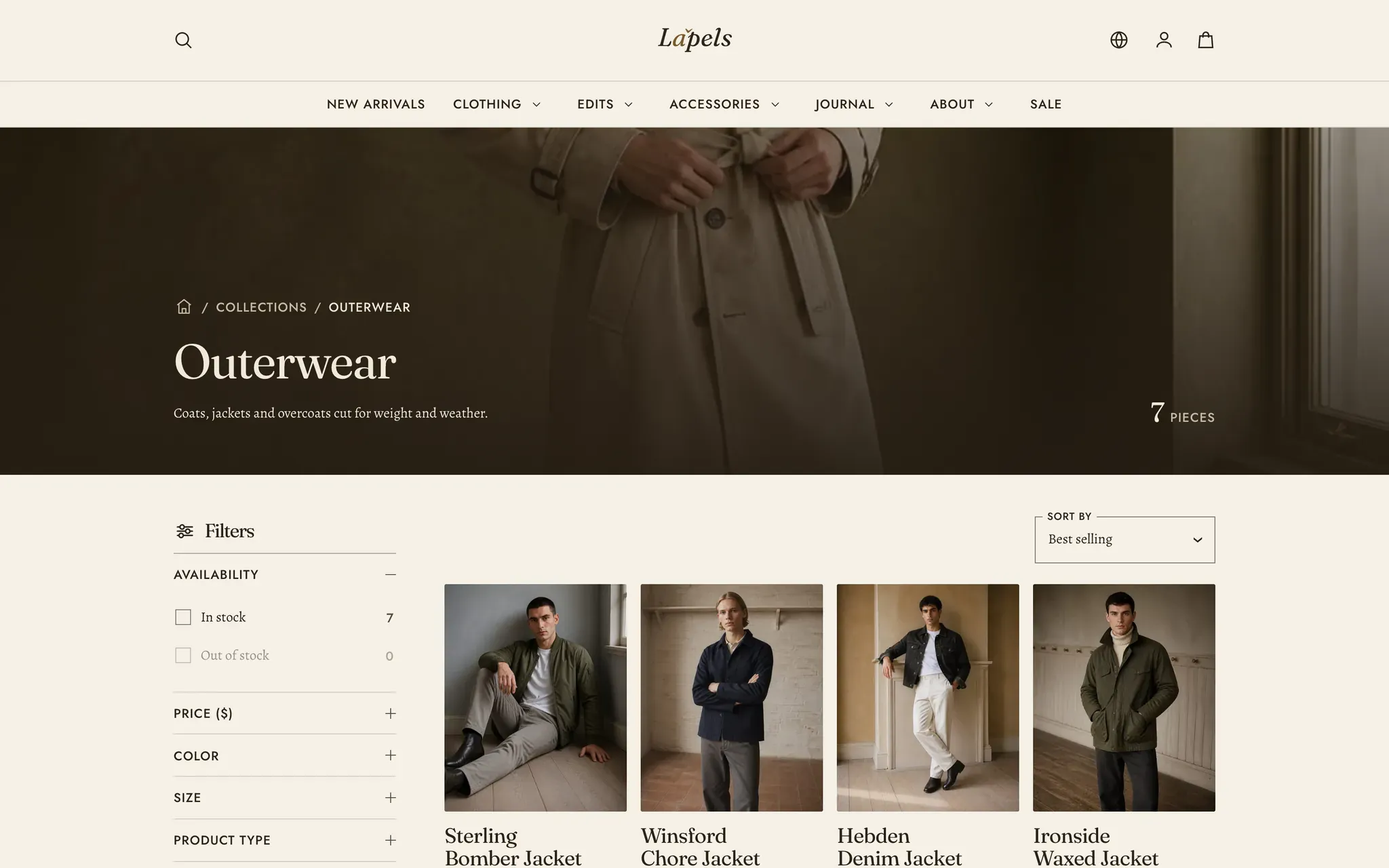
Collection -
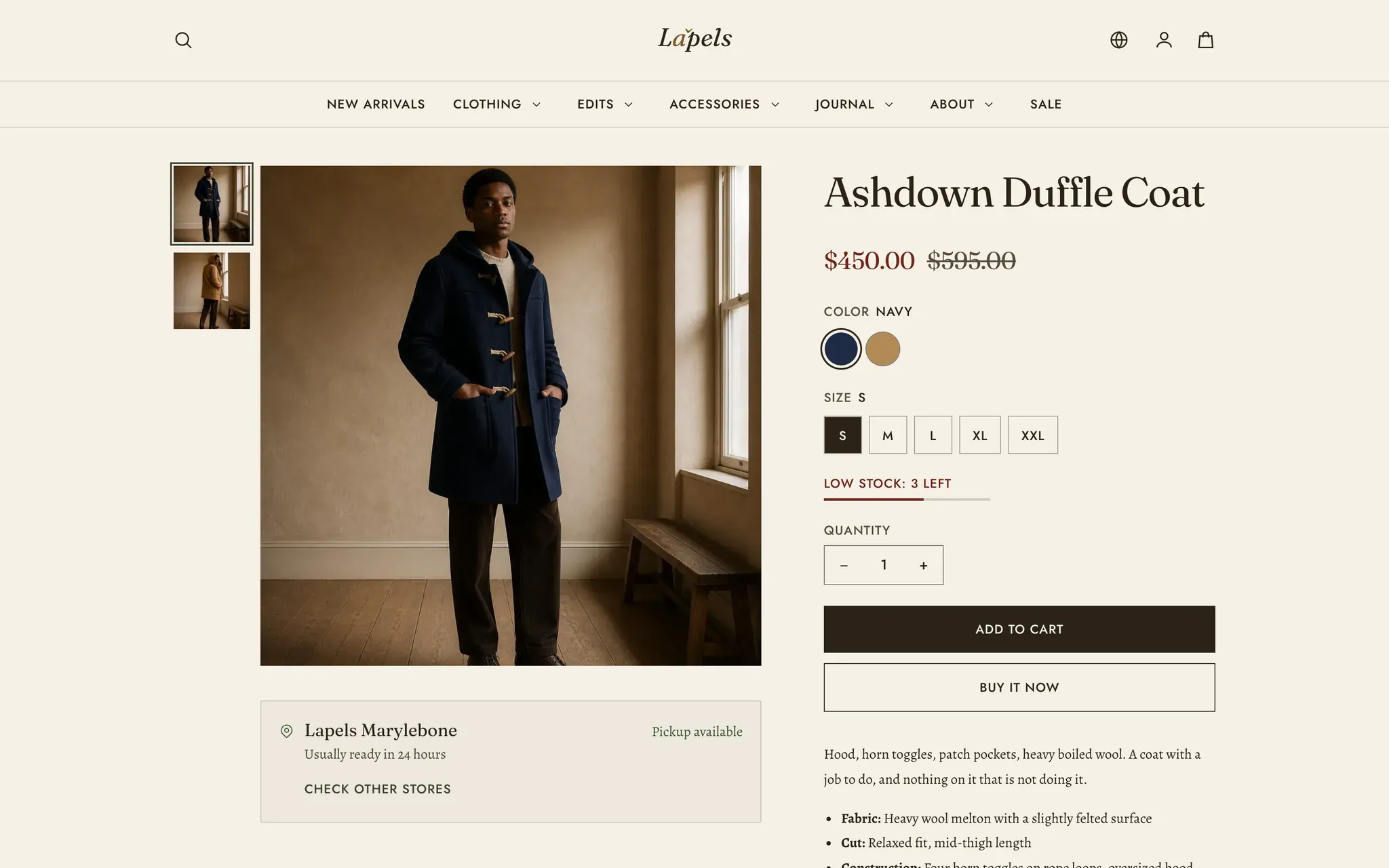
Product page -
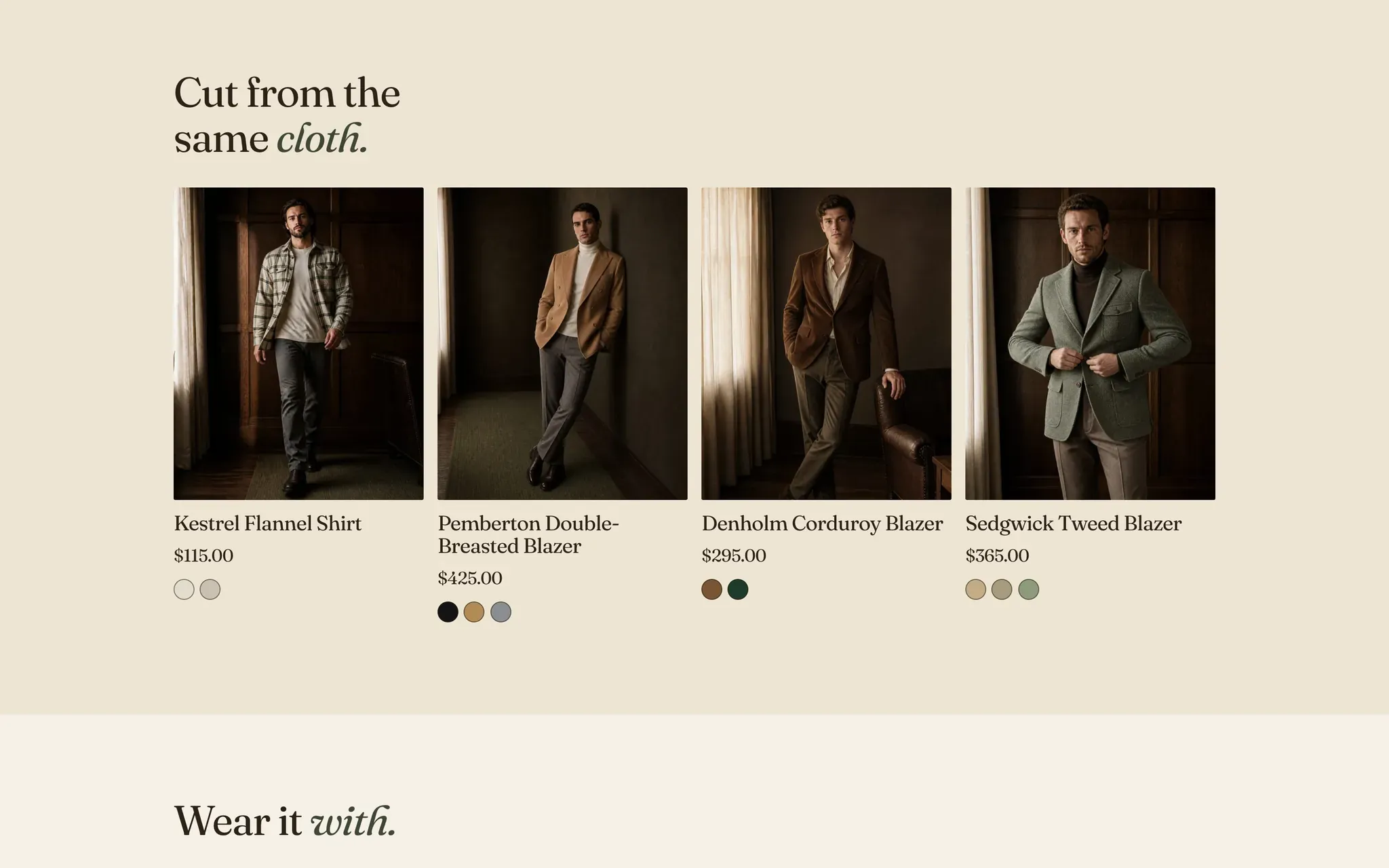
Related products -
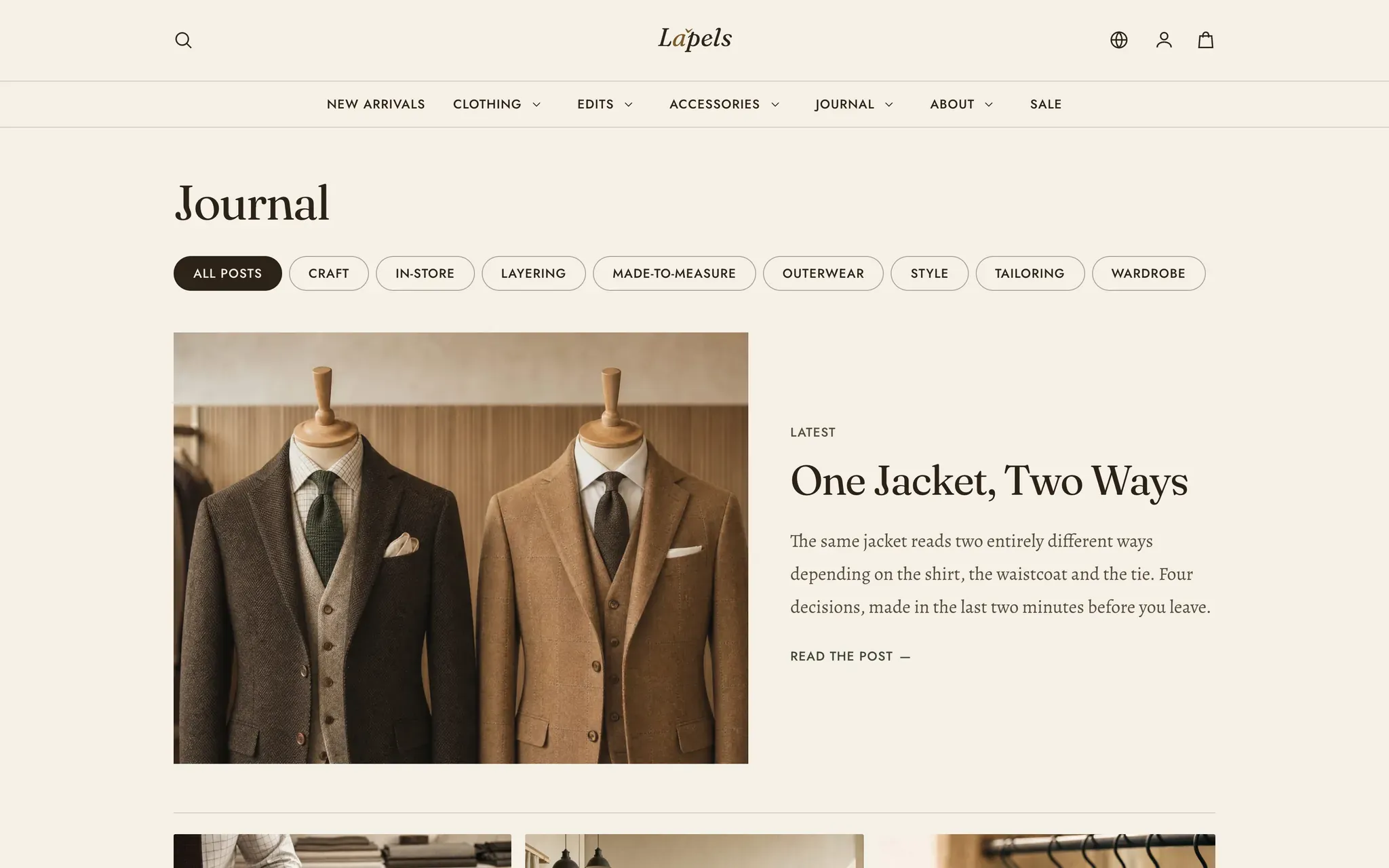
Journal
The others
Lapels ships three presets.
One theme, one license. Switch preset in the theme editor and the storefront restyles without touching a word of your content.
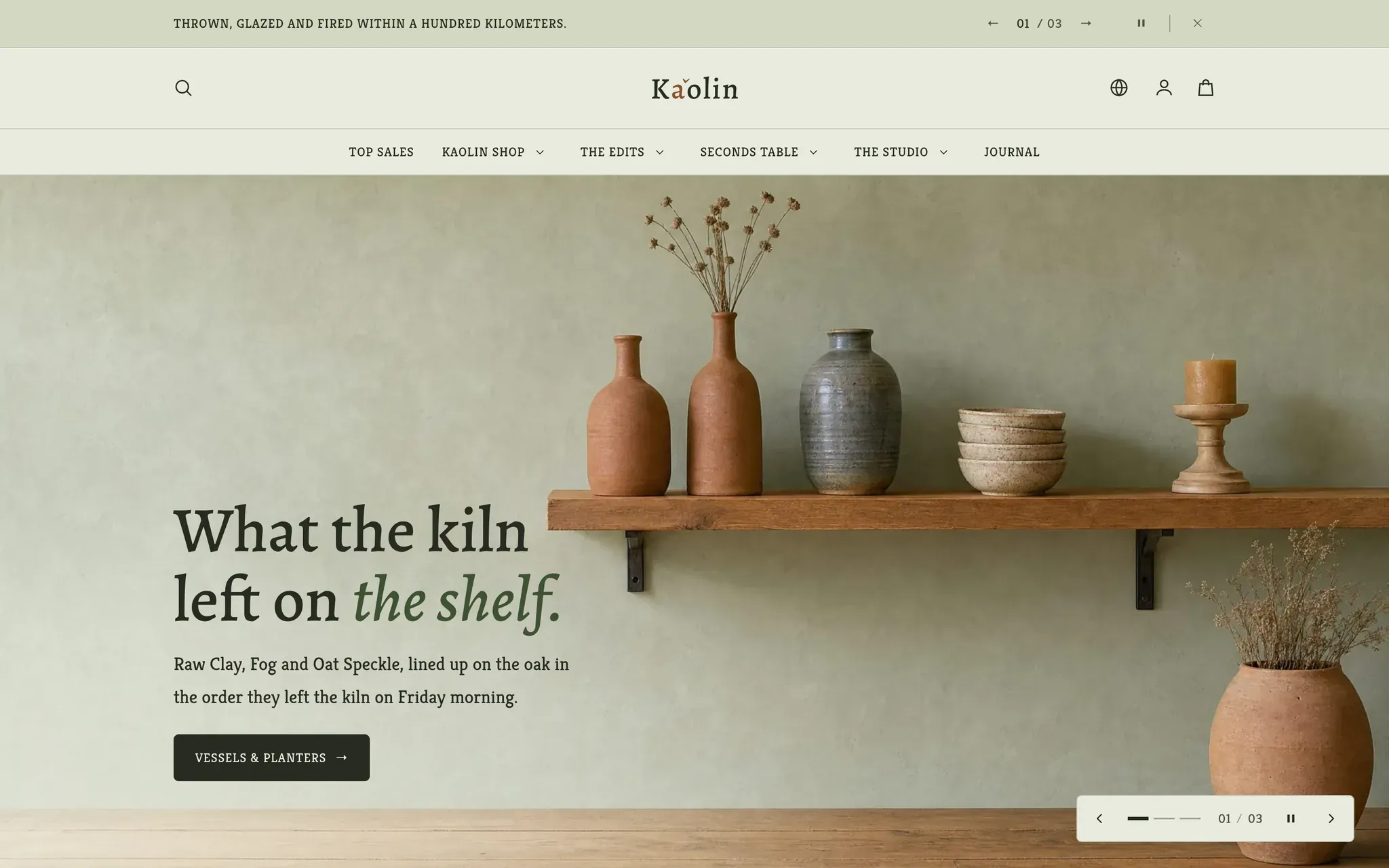
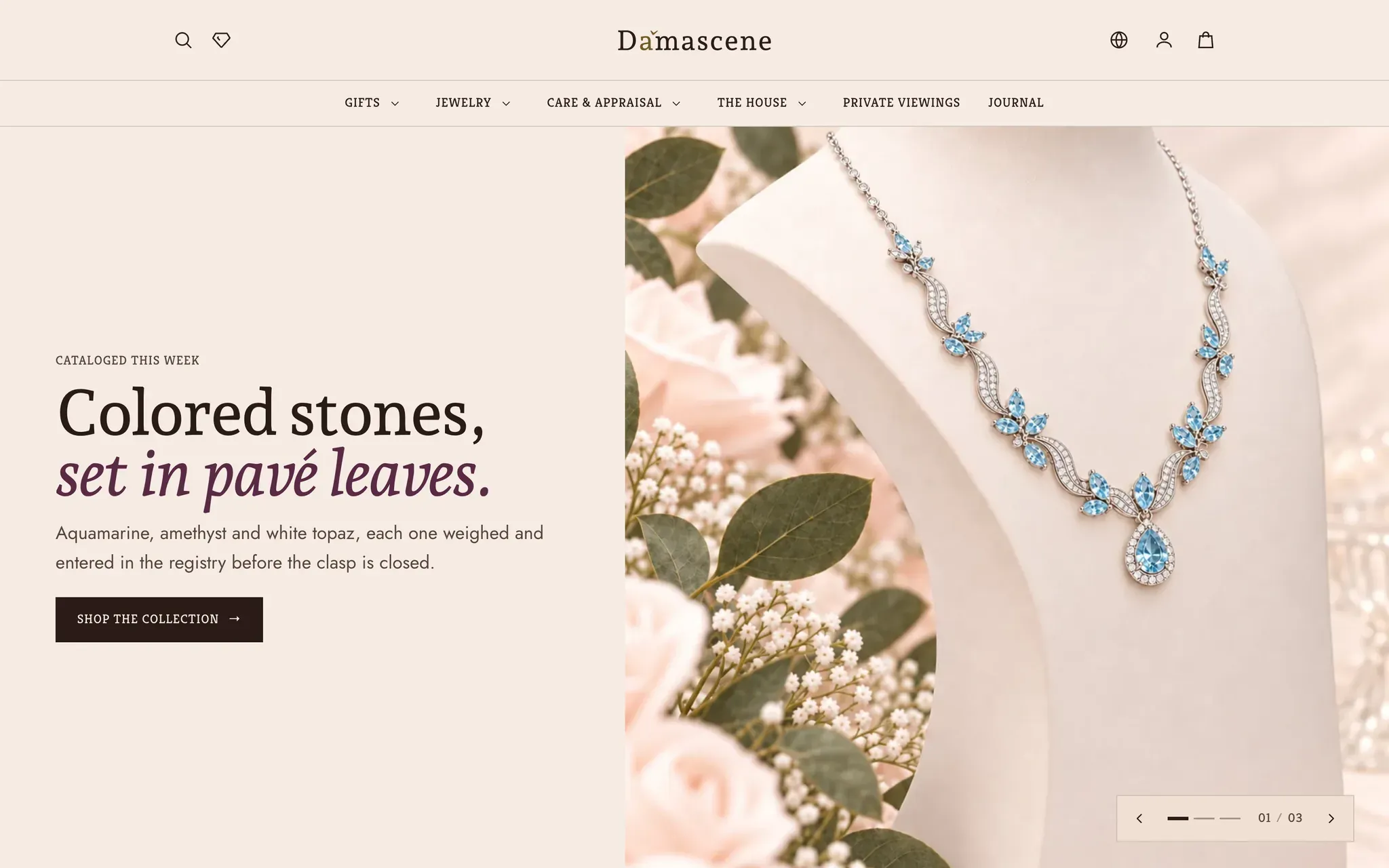
Every preset is the same theme.
Lapels is one of Lapels's built-in presets. No extra license, no separate install. Pick it when you add the theme, or switch to it later.